
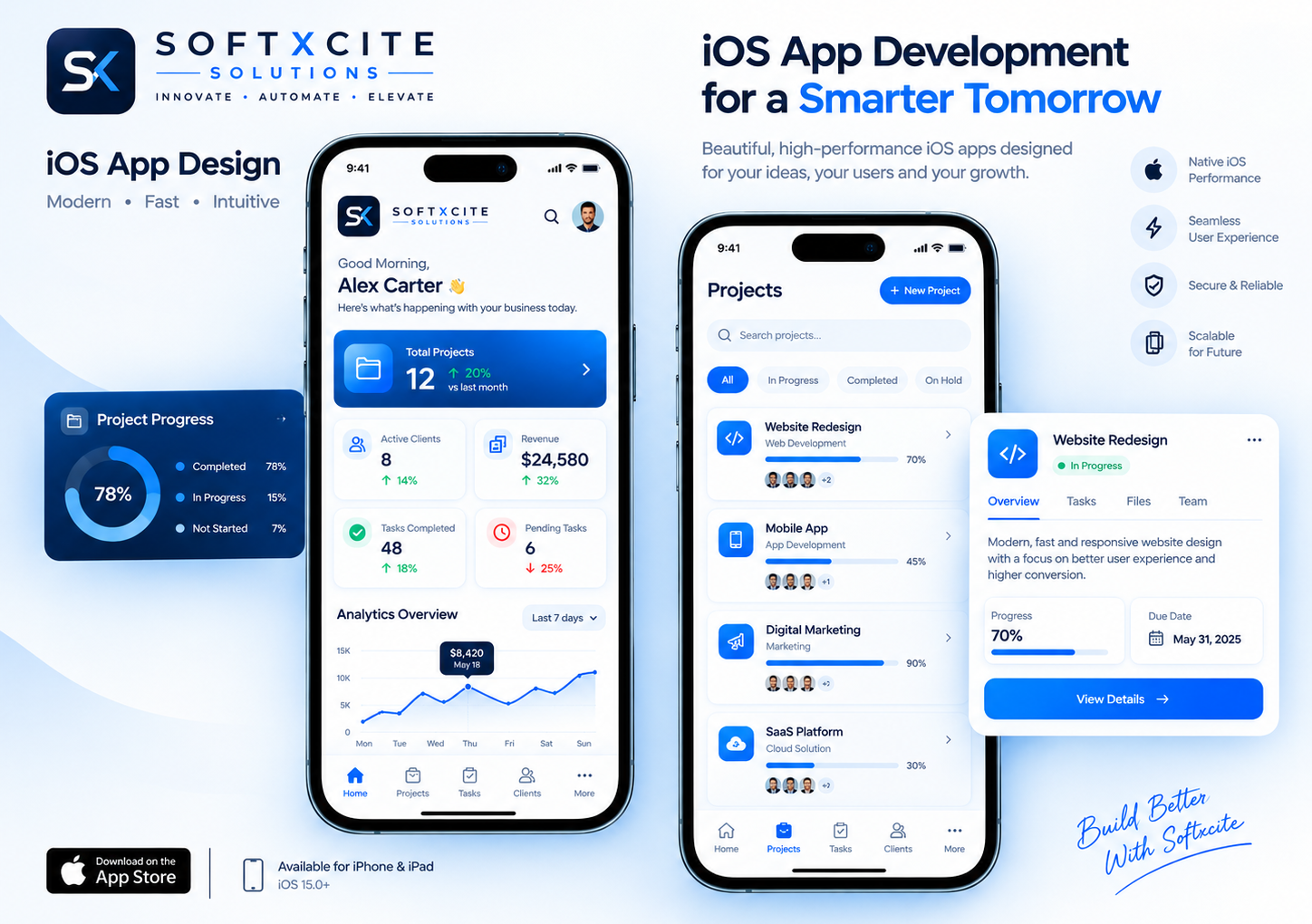
iPhone users can tell within seconds when an app wasn’t made for their phone. The back swipe doesn’t work, the text ignores their font size setting, the keyboard covers the button they need. They rarely complain. They just delete it. We build iOS apps natively in Swift so that none of this happens, and so your app gets the things a web wrapper never can: Face ID, Apple Pay, home screen widgets and the smooth scrolling people expect from an iPhone.
Why Build Native for iOS
Apple users tend to be your most valuable customers. They pay for subscriptions more readily and leave fewer one-star reviews when an app works the way they expect. A native app also holds up better at review time: Apple turns away apps that are little more than a website in a frame. When your users, revenue or brand depend on the iPhone experience, native is worth it. When they don’t, we’ll say so.
What You Get
Everything between your idea and a live, approved app on the App Store.
- Native Swift and SwiftUI Code. Written in Apple’s own language and frameworks, so the app is fast, uses the latest iOS features on day one, and is easy for any iOS developer to maintain later.
- Design That Feels Like iOS. Screens built to Apple’s Human Interface Guidelines, with proper support for dark mode, Dynamic Type and VoiceOver, on every iPhone size and on iPad.
- Apple Features Your Users Expect. Face ID login, Sign in with Apple, Apple Pay, home screen and lock screen widgets, and push notifications that open the right screen when tapped.
- Works on a Weak Connection. Data is stored on the device and synced with your server when the network returns, so the app stays usable in a lift, a train or a basement shop.
- App Store Submission, Handled. TestFlight beta builds for your team, privacy labels filled in correctly, screenshots and a keyword-focused listing, and a build checked against Apple’s review guidelines before it goes in.
- Support After Launch. Crash monitoring, bug fixes, testing on each new iOS version before it reaches your users’ phones, and new features shipped through planned updates.
How We Take Your App to the App Store
Four stages, and you can install and use the app on your own iPhone well before launch.
Discovery and Wireframes 2–4 days
We map who uses the app, what they do in it and which Apple features matter. You get wireframes of the key screens, a scope document and a fixed-price proposal.
Interface Design 1–2 weeks
Every screen designed for iPhone (and iPad, if needed), shared as a clickable prototype you can try on your phone and approve before development starts.
Development and API Integration 3–6 weeks
We build in Swift and connect the app to your backend. New builds arrive on your phone through TestFlight as features are finished, so feedback happens early.
Testing, App Store Review and Launch 1–2 weeks
Testing on real iPhones of different sizes and iOS versions, store listing preparation, submission and any follow-up with Apple until the app is approved and live.
Apple’s review process was the reason we didn’t try building in-house. Softxcite handled the whole submission, and we were approved on the first attempt.
Devika Rao, Co-Founder, StudyLoop
Frequently Asked Questions
Should I build a native iOS app or a cross-platform app?
If most of your paying users are on iPhone, or your app depends on things like Apple Pay, widgets, HealthKit or smooth animations, native Swift is the better choice. If you need iOS and Android on a tight budget and the app is mostly forms and lists, cross-platform can make sense. We tell you which fits after discovery, even if it means a smaller project for us.
What if Apple rejects the app?
We check the build against Apple’s App Review Guidelines before submitting, which avoids the most common rejections. If Apple still raises an issue, we fix it and resubmit as part of the project, at no extra cost.
Do I need my own Apple Developer account?
Yes, and we recommend it. The Apple Developer Program costs USD 99 a year. Enrolling under your company name means the App Store listing, reviews and revenue belong to you, not to us. We guide you through enrolment and do the technical setup.
Will Apple take a commission on payments in my app?
Only on digital goods and subscriptions sold inside the app, where Apple’s in-app purchase is required, usually at 15 to 30 percent. Physical products and real-world services, like food orders or bookings, can use Apple Pay or a regular payment gateway without that commission.
Can you build the Android version too?
Yes. We can build Android alongside iOS or after it, sharing the same backend and design system so both apps behave the same way.